Introduction
One of the go-to choices among Convertibles in 2026 still happens to be the HP Envy x360 2-in-1 laptop. Built with those needing solid power without sacrificing ease of movement, its look stays sharp while shifting roles. Years of tweaks by HP have shaped it into something that feels high-end, yet doesn’t carry a top-tier cost – this hits right for learners, office workers, even casual surfers. Though priced somewhere in the middle, what you touch and see leans toward luxurious.
Most people today expect their computers to do a lot without slowing down. This machine runs several tasks at once without trouble. Battery life stretches through busy days. The screen shows sharp colors and clear detail. It stays light enough to carry around easily. A special hinge lets the laptop flip fully backward. Different positions work for watching, typing, or drawing. HP built this one to shift between roles smoothly.
This full walkthrough covers what matters most when picking one. From how it looks to how long it lasts on a charge, each part gets looked at closely. Picture quality shows up early, followed by speed tests in daily tasks. Gaming runs through different styles without skipping steps. Real situations shape each test, not just lab numbers. Costs appear alongside similar models,s o nothing is hidden. Side-by-side views make differences clear. Experts weigh in after all checks finish.
What is the HP Envy x360 2-in-1 Laptop?
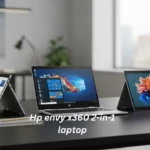
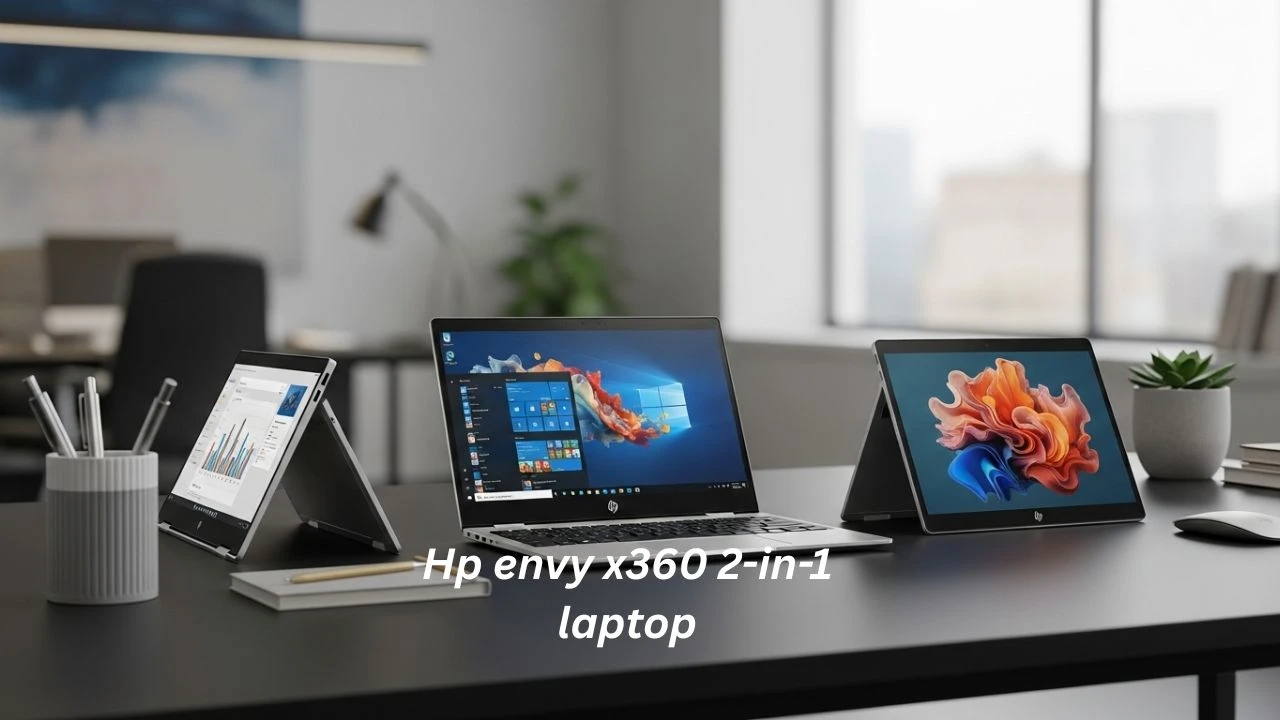
Spinning open like a book, the HP Envy x360 flips fully around thanks to its swiveling hinge. Instead of staying flat, the screen bends back until the machine becomes a tablet. Because of that twistable joint, shifting from typing to tapping feels natural. While regular notebooks stay locked in one shape, this one moves however you need.
Usage Modes
- Laptop Mode – Ideal for typing documents, coding, office productivity, and multitasking
- Tablet Mode – Perfect for drawing, reading eBooks, and touch-based interaction
- Tent Mode – Suitable for watching movies, presentations, and limited-space usage
- Stand Mode – Best for video calls, media consumption, and interactive viewing
Whatever your setup, switching between modes just fits better. When class goes live, students find it smooth. Remote workers keep pace without hiccups. Creators shift approaches fast – typing one minute, drawing the next. Rigidity fades when tools adapt instead.
Midway through HP’s laptop range sits the Envy line, tucked neatly above Pavilion models but below the sleek Spectre tier. Not quite luxury priced, yet built with touches that feel upscale on closer look.
HP Envy x360 Key Features
Depending on where you are and how much you want to spend, the HP Envy x360 shows up in different forms. Picking specs that fit what you need to do is something HP makes possible.
Main Features
- AMD Ryzen 5 / Ryzen 7 processors
- Intel Core Ultra processors (latest generation models)
- 8GB / 16GB / 32GB RAM options
- 256GB / 512GB / 1TB SSD storage
- Full HD, 2.8K, and OLED display variants
- Wi-Fi 6 / Wi-Fi 6E connectivity
- Backlit keyboard for low-light usage
- Fingerprint authentication for security
- USB-C and USB-A port selection
- HDMI output (on selected models)
- HP Fast Charge technology
- Full HD webcam for online communication
- Windows 11 operating system
Together, these parts let the machine manage many current digital jobs without slowing down. What stands out is how smoothly it keeps up with different demands. Not every device balances speed and function like this one does. Through each task, performance stays steady even under pressure.
HP Envy x360 Specifications Overview
| Feature | Options |
| Display Size | 13.3”, 14”, 15.6”, 16.” |
| Resolution | FHD / 2.8K / OLED |
| Processor | Ryzen 5, Ryzen 7, Intel Core Ultra |
| RAM | 8GB, 16GB, 32GB |
| Storage | 256GB – 1TB SSD |
| Graphics | Integrated Radeon / Intel Arc |
| Weight | 1.4kg – 2kg |
| Battery Life | 7–12 hours |
| Operating System | Windows 11 |
Design & Build Quality
Smooth curves define how the HP Envy x360 looks at first glance. Built using solid aluminum, it stands up to daily wear without sacrificing style along the way.
Premium Design Highlights
- Solid metal construction
- Ultra-thin bezels for a modern appearance
- Smooth and responsive 360-degree hinge
- Lightweight structure in 14-inch variants
- Clean, minimalist aesthetic suitable for professional environments
Firm in hand, it carries a weight that surprises – unlike others nearby on shelves stuck with flimsy casings. Metal edges catch the light just enough to remind you what quality feels like.
Pros
Elegant and professional appearance
Strong and durable aluminum body
Highly portable (especially the 14-inch model)
Suitable for office and business environments
Cons
Larger models feel heavy in tablet mode
Fingerprints are visible on darker finishes
Requires careful handling of the hinge mechanism
Display Quality (FHD vs OLED)
The Display is one of the most influential factors when purchasing the HP Envy x360.
Full HD IPS Display
Best suited for:
- Students
- Office productivity
- Long battery life preference
- Budget-conscious users
Advantages: Efficient power consumption
Balanced brightness levels
Cost-effective configuration
OLED Display
Best suited for:
- Content creators
- Entertainment enthusiasts
- Photo and video editing professionals
Advantages: Deep contrast levels
Vibrant colors
Immersive visual experience
Should You Buy OLED?
Choose OLED if visual experience is your top priority. However, if battery life and affordability matter more, the FHD variant is the more practical choice.
Performance Review (Real Usage)
The HP Envy x360 is engineered for productivity-centric workloads rather than extreme computational tasks.
Excellent For
- Web browsing
- Microsoft Office tasks
- Video conferencing
- Programming and development
- Streaming and media consumption
- Light creative editing
Moderate Usage
- Adobe Photoshop
- Canva design projects
- Lightroom editing
- Basic video editing
Not Recommended For
- High-end 4K video editing
- AAA gaming titles
- 3D rendering workloads
- Engineering simulation software
Recommended Configuration
For optimal performance in 2026:
Ryzen 7 or Intel Core i7 processor
Minimum 16GB RAM
At least 512GB SSD storage
This setup ensures smooth multitasking and long-term usability.
Battery Life Review
performance varies depending on workload and configuration.
| Usage Type | Battery Life |
| Light browsing | 10–12 hours |
| Office tasks | 7–9 hours |
| Streaming | 6–8 hours |
| Heavy workloads | 4–6 hours |
Optimization Tips
- Reduce screen brightness when possible
- Enable power-saving mode
- Close background applications
- Prevent system overheating
Most users can comfortably complete a full working day without charging.
Keyboard, Trackpad & Webcam
Keyboard Experience
- Comfortable typing layout
- Backlit keys for nighttime use
- Suitable for long writing sessions
Trackpad Performance
- Smooth gesture recognition
- High precision input
- Windows precision driver support
Webcam Quality
- Improved resolution in newer models
- Suitable for online meetings and virtual classes
- Reliable for remote work communication
Is HP Envy x360 Good for Students?
Yes, it is one of the most recommended laptops for students in 2026.
Why Students Prefer It
Touchscreen note-taking capability, Lightweight portability, Strong battery endurance, Fast boot and responsiveness, Tablet mode for digital reading
Recommended Student Setup
- 14-inch display
- Ryzen 5 or Ryzen 7 processor
- 16GB RAM
- 512GB SSD storage
Is HP Envy x360 Good for Programming?
Yes, it performs exceptionally well for coding and development environments.
Compatible Tools
- Python
- Java
- Visual Studio Code
- Git and GitHub
- Web development frameworks
- SQL databases
Recommended Configuration
Ryzen 7 / Intel Core Ultra
16GB RAM minimum
512GB SSD storage
Is HP Envy x360 Good for Gaming?
Casual Gaming: YES
It supports lightweight and competitive games such as:
- Valorant
- Minecraft
- Rocket League
- CS2
- Fortnite (low settings)
AAA Gaming: NO
Not suitable for demanding titles like:
- Cyberpunk 2077
- Red Dead Redemption 2
- Starfield
The device is not designed as a gaming laptop.
HP Envy x360 Price (2026 Guide)
| Model | Price Range |
| Ryzen 5 / 8GB | $650 – $850 |
| Ryzen 7 / 16GB | $850 – $1,100 |
| OLED Models | $1,100 – $1,400 |
| Intel Core Ultra | $1,000 – $1,500 |
Best Buying Periods
- Seasonal discounts
- Black Friday sales
- Back-to-school promotions
HP Envy x360 vs Competitors
| Laptop | Strength | Weakness |
| HP Envy x360 | Best value 2-in-1 | Not gaming-focused |
| HP Spectre x360 | Premium build | Expensive |
| Lenovo Yoga 7i | Balanced performance | Limited deals |
| Dell Inspiron 2-in-1 | Reliable | Less premium design |
| MacBook Air | Excellent battery | No touchscreen |
Real Problems & Fixes
Fan Noise
Close unnecessary apps and update the system BIOS
Heating
Use flat surfaces and clean air vents regularly
Battery Drop
Avoid constant full charging and use balanced mode
Wi-Fi Issues
Update drivers and restart the router
Hinge Care
Open from the center and avoid pressure on the edges
Best HP Envy x360 Models to Buy
Best Overall
- Ryzen 7
- 16GB RAM
- 512GB SSD
Budget
- Ryzen 5
- 8GB RAM
- 512GB SSD
Premium
- OLED display
- 1TB SSD
- Ryzen 7
For Students
- 14-inch Ryzen 5 or Ryzen 7
- 16GB RAM
Pros and Cons
Pros
Premium aluminum design, Convertible 2-in-1 flexibility, Strong everyday performance, Excellent keyboard experience, Multiple display options
Cons
Not suitable for heavy gaming, OLED variants are expensive. Larger models are heavier in tablet mode
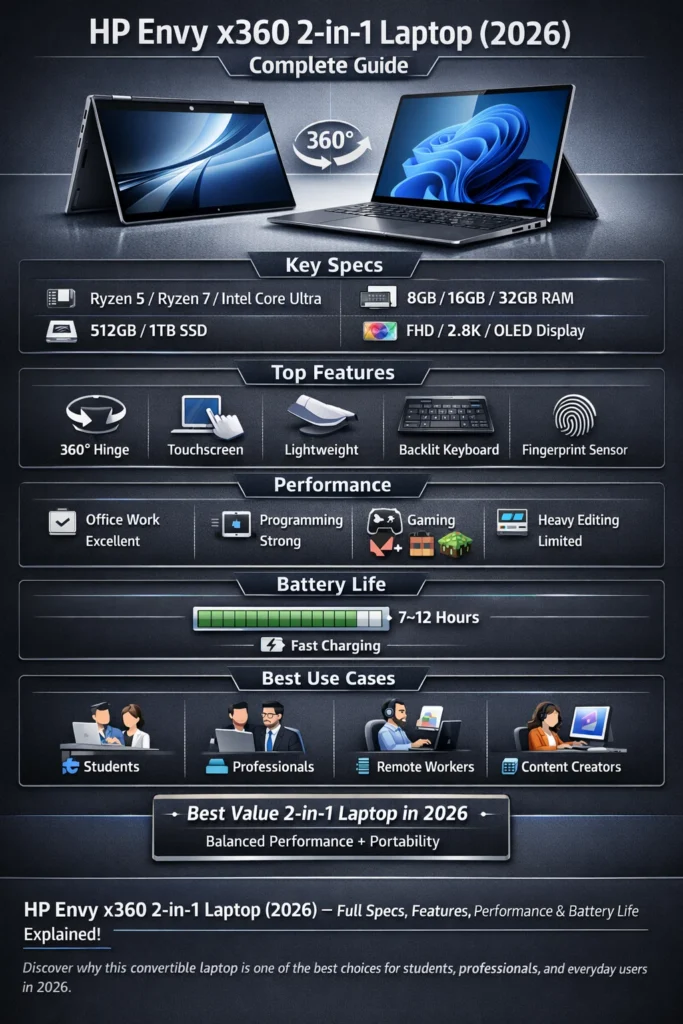
Discover why this convertible laptop is one of the best choices for students, professionals, and everyday users in 2026.
FAQs
A: Yes. It is one of the best value 2-in-1 laptops with strong performance, good battery life, and modern features.
A: It lasts around 7–10 hours on average, depending on usage and settings.
A: Yes, it runs light and esports games, but not heavy AAA titles.
A: Yes, it is more premium, faster, and better built.
A: Spectre is more premium, but Envy offers better value for money.
Conclusion
Still holding strong, the 2026 version of the HP Envy x360 brings together useful features without tipping too far on price. While many convertibles lean either flashy or barebones, this one walks a steady middle path. Instead of chasing specs for show, it focuses on what actually works day to day. With thoughtful design choices baked in, it manages to feel both capable and grounded. Not everything screams attention – yet performance stays consistent across tasks. Because balance matters more than extremes here, buyers get flexibility without compromise.
- Flexible
- Efficient
- Stylish
- Reliable for everyday workloads
Though built for lighter tasks, it handles everyday chores like schoolwork and office duties without a hitch. Still, expect stumbles when pushed into intense gaming or demanding creative jobs. Recommended setup: 14‑inch Ryzen 7 with 16GB memory and 512GB storage